Steps to Add the Barnes& Noble link to a course site
- On the Course Content page, select the plus button wherever you want to add content
- Select Content Market
- FInd the 'Course Materials' module (see image below)
Click the '+' in the bottom right-hand corner
The link will now appear in your Blackboard site
- Select the down arrow next to "Hidden from students' and select 'Visible' to students
Images
Image showing the Course Materials module in the Content Market
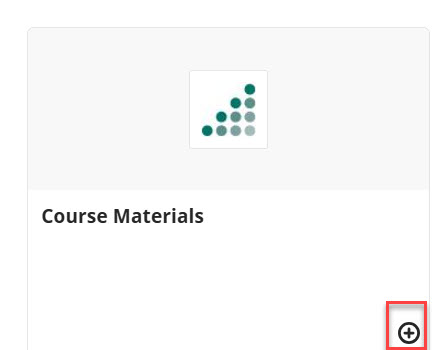
Image showing how the B&N link appears on the instructor’s page.

Integrated Link
The link is integrated, so when students click it, they are automatically logged into the bookstore and see their course materials.
Was this article helpful?
That’s Great!
Thank you for your feedback
Sorry! We couldn't be helpful
Thank you for your feedback
Feedback sent
We appreciate your effort and will try to fix the article