Overview
Faculty can now add attachments to their syllabi in Simple Syllabus. Please keep in mind that attachments are intended to supplement your syllabus, not replace required syllabus content. Examples of supplemental materials may include assignment resources, rubrics, course schedules, learning materials, and student support resources. Any essential syllabus information should continue to be included within the syllabus itself to ensure students have easy access to important course details.
Important Considerations
Digital Accessibility: Attachments are not scanned for digital accessibility by Simple Syllabus. The documents you attach must still meet WCAG 2.1 AA Digital Accessibility requirements.
Permissions: Anyone with access to the TCC Simple Syllabus library (Students, Faculty, Admins) can view your attachments.
Attachments Supported
Maximum file size of 25 MB.
Supported file types: Word (.doc, .docx), Pages (.pages), Excel (.xls, .xlsx), PowerPoint (.ppt, .pptx), PDF (.pdf), Text (.txt), CSV (.csv, .psv), Image and Video (.jpg, .png, .gif, .mp4)
For instructions on how to use the "Attach" feature, visit the Simple Syllabus "Attach" Feature Subpage in the Online Learning group.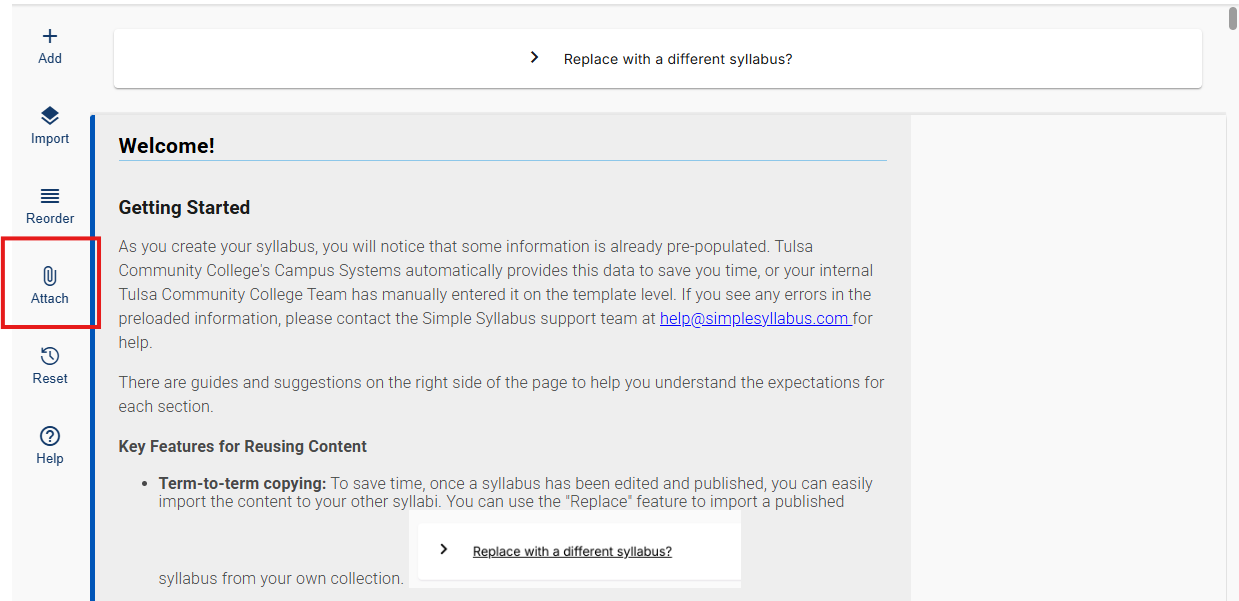
Was this article helpful?
That’s Great!
Thank you for your feedback
Sorry! We couldn't be helpful
Thank you for your feedback
Feedback sent
We appreciate your effort and will try to fix the article