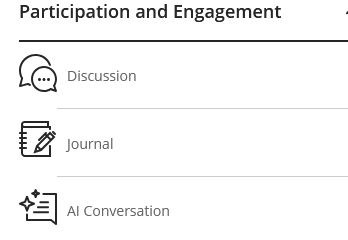
Some of the content item icons have changed in Ultra. To find these, select the (+) icon found on the Content Page area:
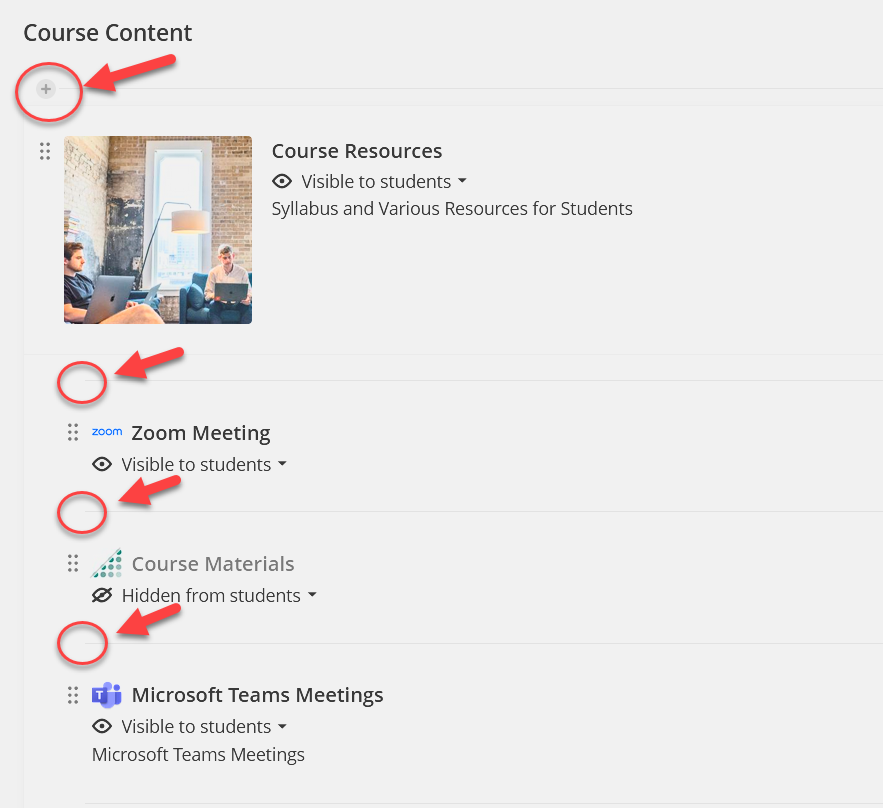
Once a (+) button is selected, there is an option to "Create".
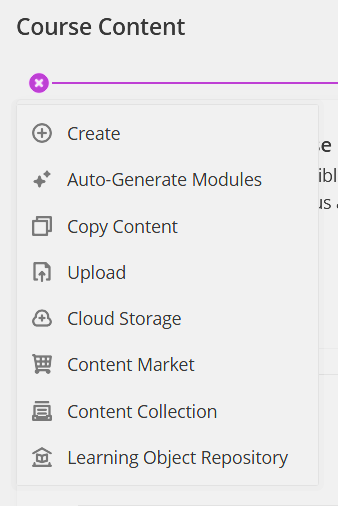
When "Create" is selected, the list of Content Items will appear.
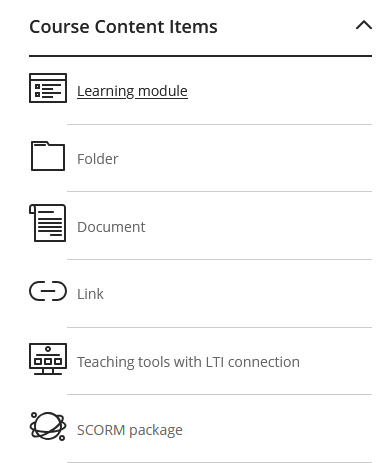
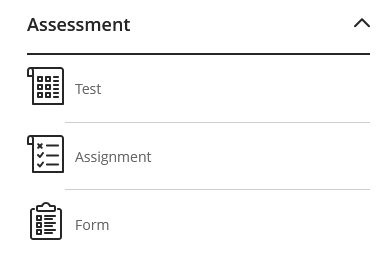
There are 3 main categories to select from:
Course Content Items:
Assessment Items:
Participation and Engagement:
Was this article helpful?
That’s Great!
Thank you for your feedback
Sorry! We couldn't be helpful
Thank you for your feedback
Feedback sent
We appreciate your effort and will try to fix the article